Introducing ProtoPie

Getting Started

Making Your First Prototype

ProtoPie Ecosystem

ProtoPie Studio Interface

Import

Getting Started

Importing From Adobe XD

Importing From Figma

Importing From Sketch

ProtoPie Genie

Basic Elements

Containers

Devices

Layers

Preview Window

Scenes

Scroll/Paging

Shortcuts

System Status Bar

Triggers & Responses

Easing

Annotations

Responses

Timelines

Triggers

Formulas

Functions

Getting Started

Layer Properties

Syntax

Formulas Use Cases

Variables

Getting Started

Predefined Variables

Variables Use Cases

AI

AI Interaction Creation

AI Document Q&A

Getting Started

AI Panel Interface

Tips for Best Results

Auto Layout

Auto Layout Properties

Getting Started

Components

Component Guides

Editing Components

Getting Started

Nested Components

Send & Receive Messages

Interaction Libraries

Getting Started

Managing Interaction Libraries

Managing Library Members

Voice Prototyping

Getting Started

Listen Response

Speak Response

Use Cases

Voice Command Trigger

Connecting Devices

Connecting blokdots

Connecting Mobile Devices

ProtoPie Cloud

Getting Started

Managing Prototypes

Managing Storage

Sharing Prototypes

ProtoPie Player

Testing Prototypes

Managing Fonts

Offline Testing

ProtoPie Player for Wear OS

Teams

Editors & Viewers

Getting Started

Onboarding Your Team

Projects

Team Owner & Team Admin

Handoff

Creating Interaction Recordings

Getting Started

Managing Interaction Recordings

Recording Page

User Testing

Creating Test Rooms

External Integrations

Getting Started

Managing Test Sessions

Test Results & Analysis

User Testing on ProtoPie Cloud

ProtoPie Connect

API Plugin

Arduino Plugin

blokdots Plugin

Connect Embedded

Custom Layer Integrations

Custom Plugins

Gamepad Plugin

Getting Started

IFTTT Plugin

Logitech G29 Steering Wheel Plugin

Testing Prototypes

Feature Comparison

Unity Plugin

ProtoPie Enterprise

Getting Started

Organization Settings

Service Admin

Single Sign-On (SSO)

Security

Access Control

Data Transit, Storage & Backup

Incident Response

Network & ProtoPie Player App Security

Overview

Physical Security

Risk Management

Menu

Introducing ProtoPie

Getting Started

Making Your First Prototype

ProtoPie Ecosystem

ProtoPie Studio Interface

Import

Getting Started

Importing From Adobe XD

Importing From Figma

Importing From Sketch

ProtoPie Genie

Basic Elements

Containers

Devices

Layers

Preview Window

Scenes

Scroll/Paging

Shortcuts

System Status Bar

Triggers & Responses

Easing

Annotations

Responses

Timelines

Triggers

Formulas

Functions

Getting Started

Layer Properties

Syntax

Formulas Use Cases

Variables

Getting Started

Predefined Variables

Variables Use Cases

AI

AI Interaction Creation

AI Document Q&A

Getting Started

AI Panel Interface

Tips for Best Results

Auto Layout

Auto Layout Properties

Getting Started

Components

Component Guides

Editing Components

Getting Started

Nested Components

Send & Receive Messages

Interaction Libraries

Getting Started

Managing Interaction Libraries

Managing Library Members

Voice Prototyping

Getting Started

Listen Response

Speak Response

Use Cases

Voice Command Trigger

Connecting Devices

Connecting blokdots

Connecting Mobile Devices

ProtoPie Cloud

Getting Started

Managing Prototypes

Managing Storage

Sharing Prototypes

ProtoPie Player

Testing Prototypes

Managing Fonts

Offline Testing

ProtoPie Player for Wear OS

Teams

Editors & Viewers

Getting Started

Onboarding Your Team

Projects

Team Owner & Team Admin

Handoff

Creating Interaction Recordings

Getting Started

Managing Interaction Recordings

Recording Page

User Testing

Creating Test Rooms

External Integrations

Getting Started

Managing Test Sessions

Test Results & Analysis

User Testing on ProtoPie Cloud

ProtoPie Connect

API Plugin

Arduino Plugin

blokdots Plugin

Connect Embedded

Custom Layer Integrations

Custom Plugins

Gamepad Plugin

Getting Started

IFTTT Plugin

Logitech G29 Steering Wheel Plugin

Testing Prototypes

Feature Comparison

Unity Plugin

ProtoPie Enterprise

Getting Started

Organization Settings

Service Admin

Single Sign-On (SSO)

Security

Access Control

Data Transit, Storage & Backup

Incident Response

Network & ProtoPie Player App Security

Overview

Physical Security

Risk Management

The ProtoPie Ecosystem

To get the most out of ProtoPie, it's important to have a comprehensive understanding of its ecosystem, including its four main components:


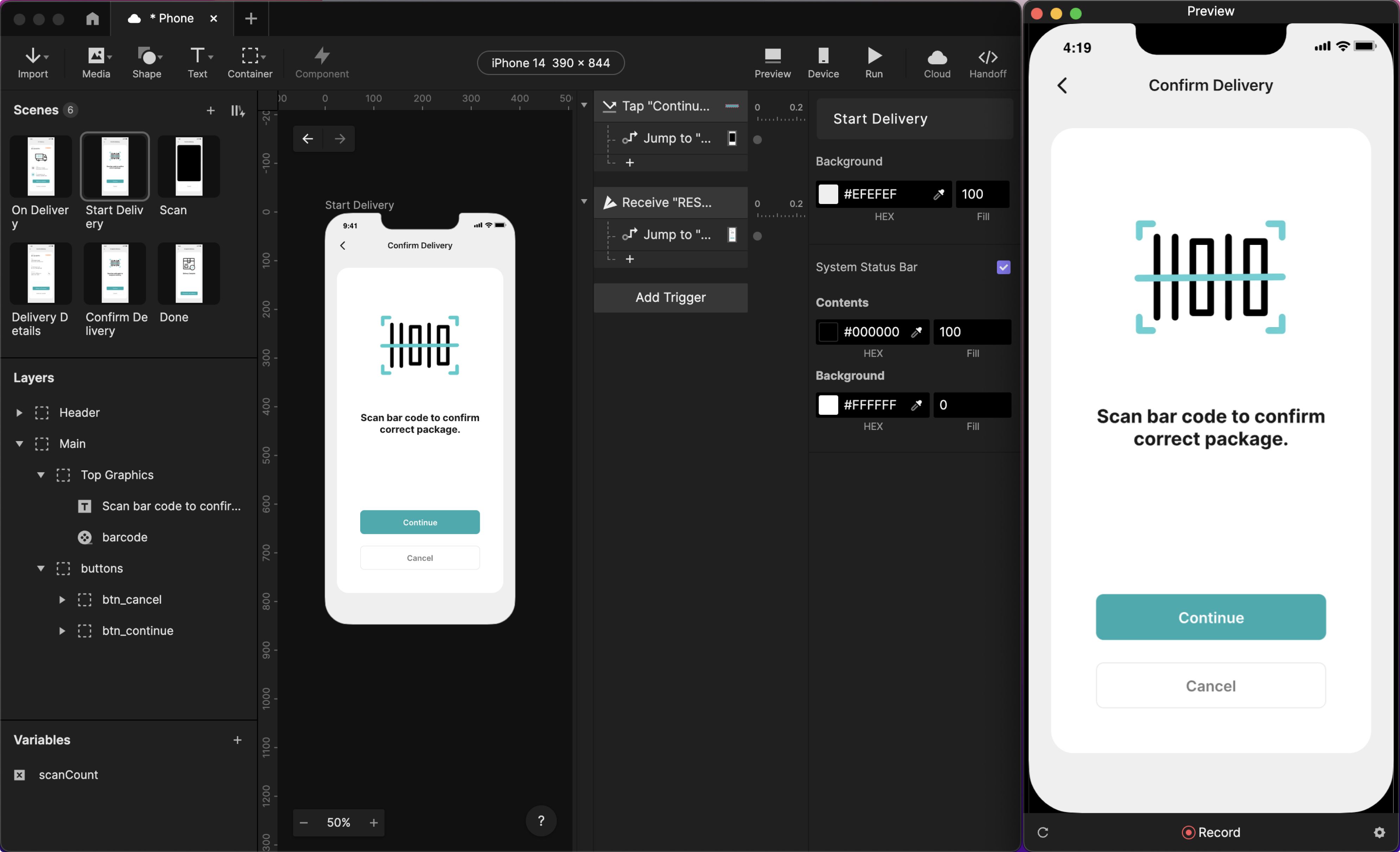
The magic starts inside ProtoPie Studio─the actual prototyping app for macOS and Windows computers.

  • ProtoPie Player allows you to test prototypes on any iOS, iPadOS & Android smartphone, or tablet display.

  • ProtoPie Cloud makes collaboration and sharing prototypes with stakeholders easy and fast.

  • And if you need to prototype more advanced connected experiences, upload it all to ProtoPie Connect.

ProtoPie Studio

Create the actual prototypes in the ProtoPie Studio desktop app, available for both macOS and Windows.

{'_type': 'localeString', 'en': 'protopie-studio'}

Learn more about ProtoPie Studio's interface.

ProtoPie Player

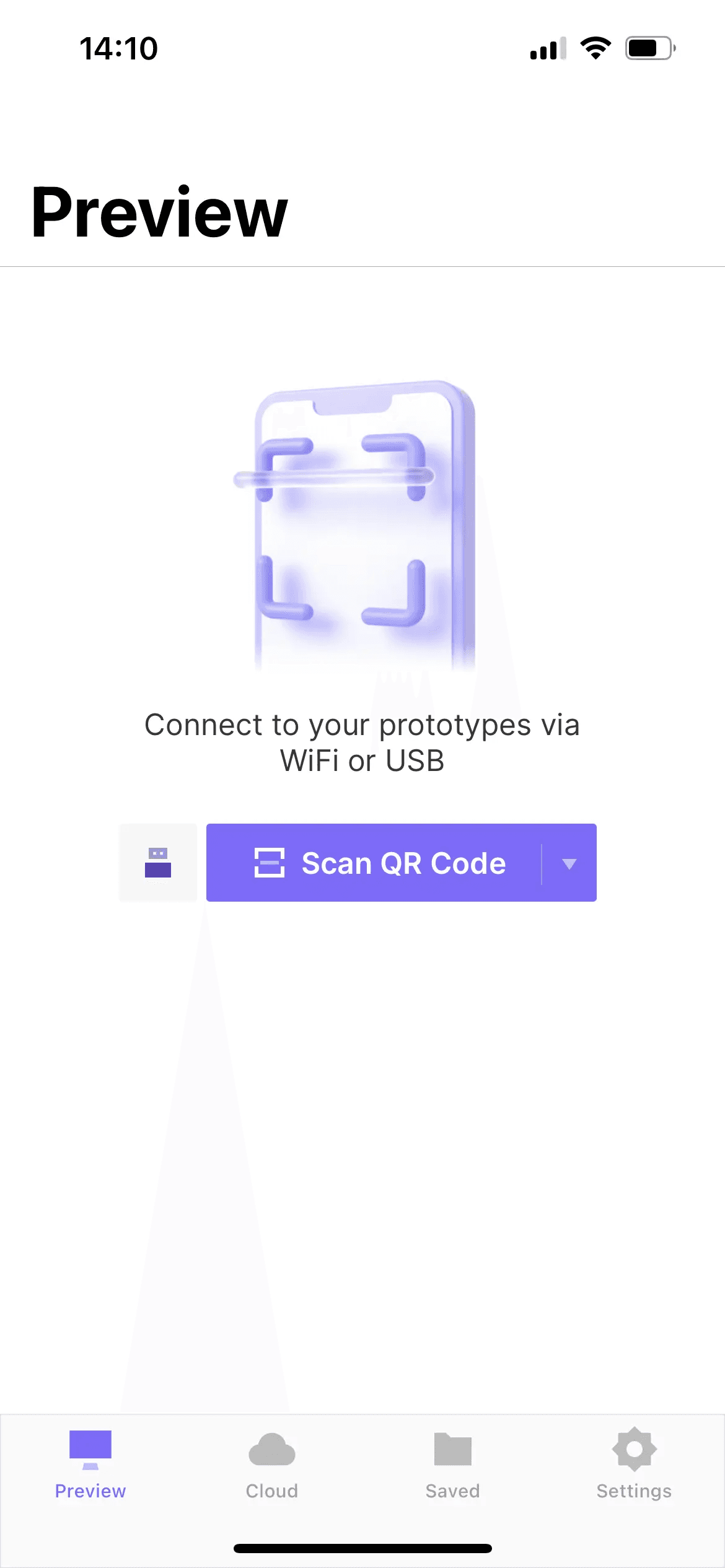
Test your prototypes on real smart devices (smartphones & tablets) using the ProtoPie Player app for iOS, iPadOS, and Android.
Learn more about ProtoPie Player.

ProtoPie Cloud

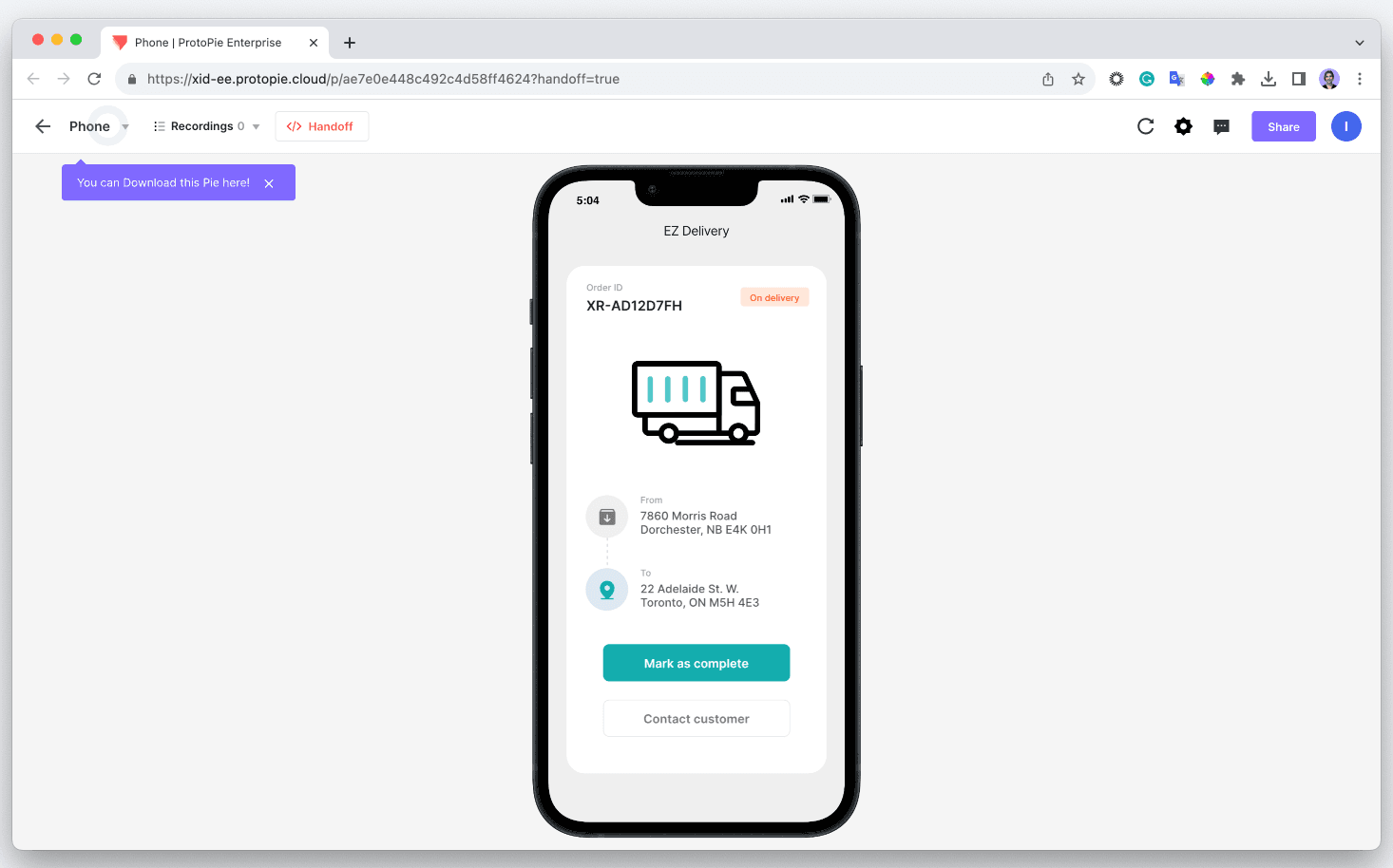
Upload your prototypes to ProtoPie Cloud to save them, utilize them for design hand-off, and share them with others. They can be opened and tested using any web browser.

{'_type': 'localeString', 'en': 'protopie-cloud'}

Learn more about ProtoPie Cloud.

Teams & Projects

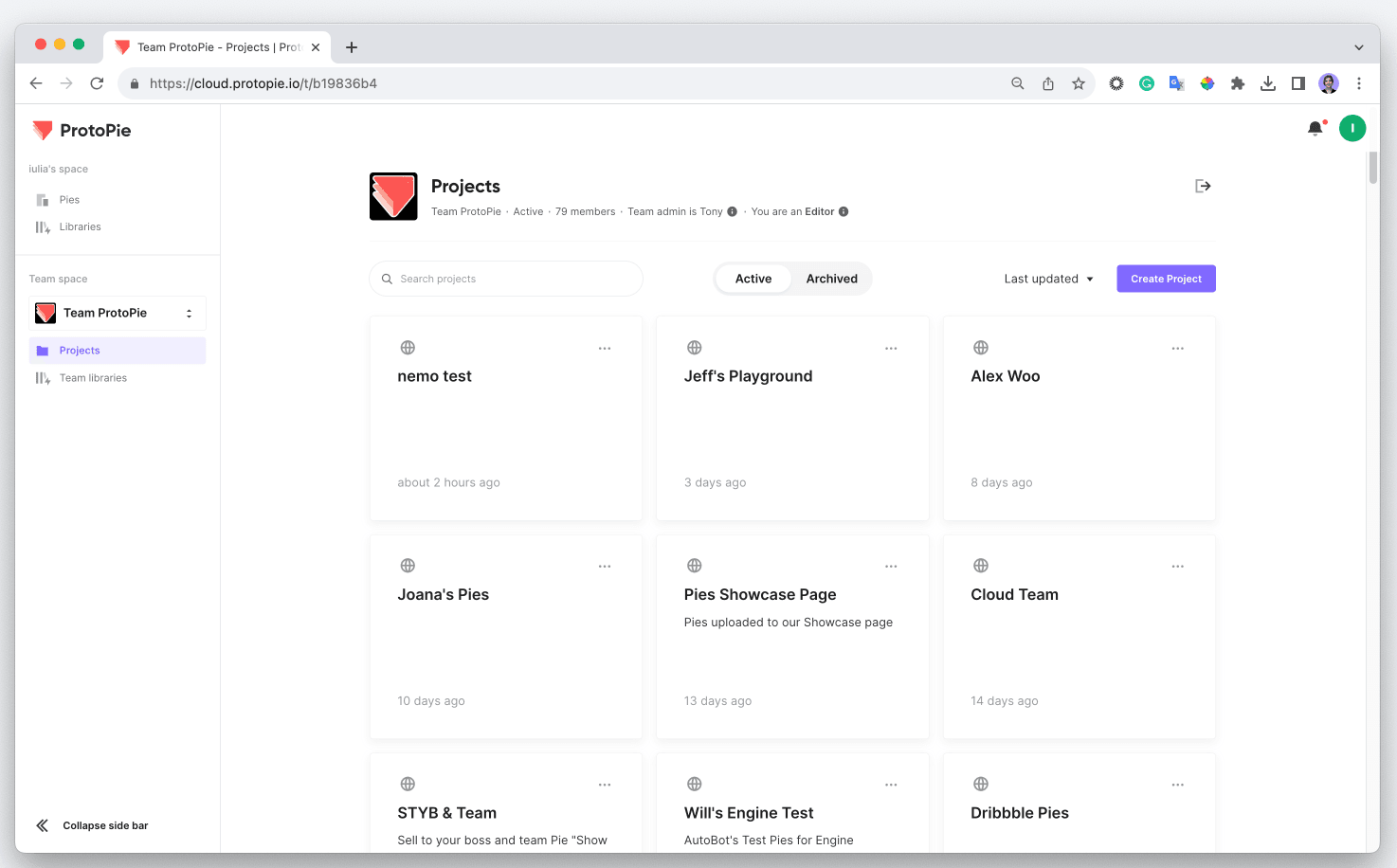
The Pro and Enterprise plans give you access to collaborative features on ProtoPie Cloud, including team libraries and dev handoff with an unlimited number of interaction recordings.

{'_type': 'localeString', 'en': 'team-space'}

Learn more about our team features.

ProtoPie Enterprise

The Enterprise plan allows you to use all the cloud and team features in a secure and scalable environment—a private cloud or on-premises server—just for your organization.

Learn more about ProtoPie Enterprise.

ProtoPie Connect

ProtoPie Connect is an extension app available in the Pro and Enterprise plans. Prototype any real-world scenarios involving multiple devices, displays, hardware, and APIs seamlessly.
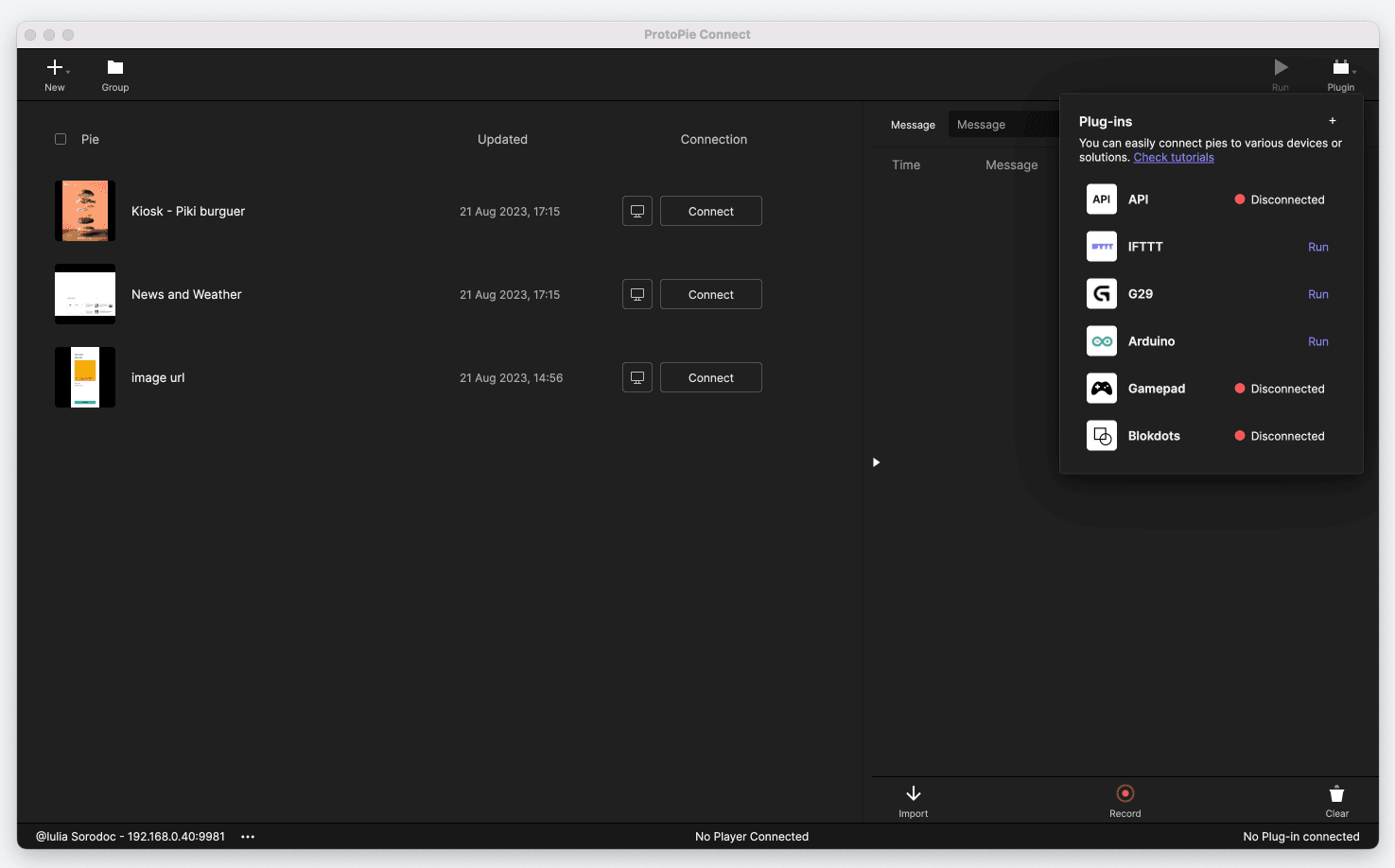

{'_type': 'localeString', 'en': 'protopie-connect'}

Learn more about ProtoPie Connect.